All Product Categories
High-precision load cells, digital indicators, heavy-duty truck scales and sectoral weighing systems.
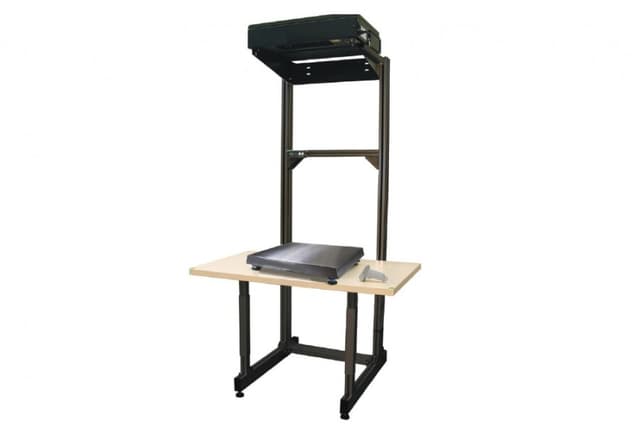
Automatic Package Measurement
Inspect Category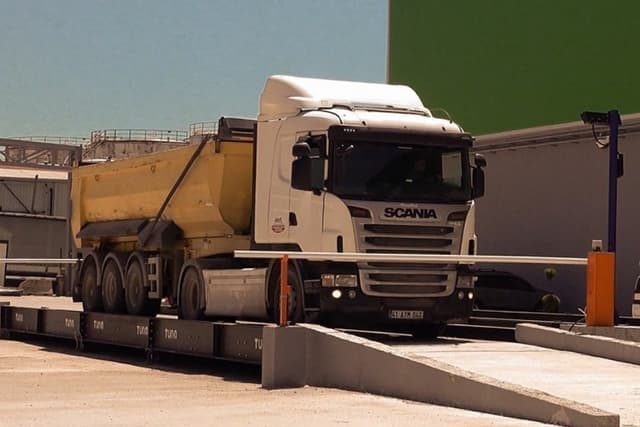
Automatic Weighbridge Systems
Inspect Category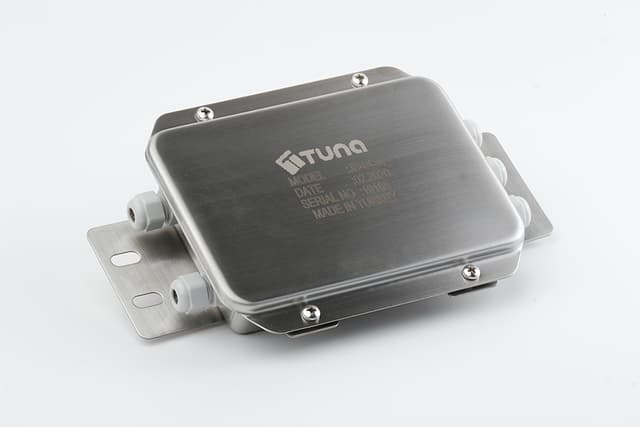
Auxiliary Accessories
Inspect Category
Axle Scales
Inspect Category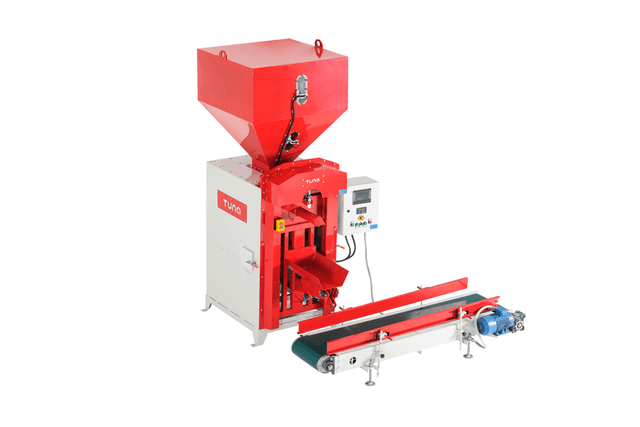
Bagging Scales
Inspect Category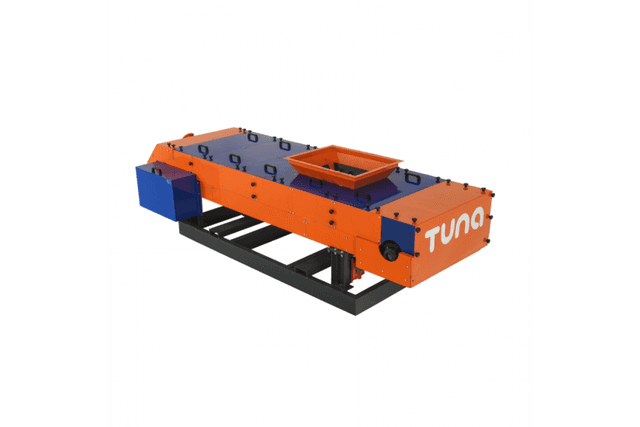
Batching Belt Scales
Inspect Category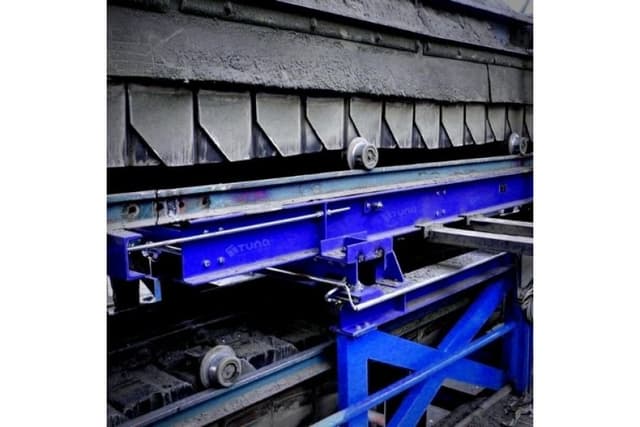
Belt Bucket Weighing System (Clinker)
Inspect Category
Belt Scales
Inspect Category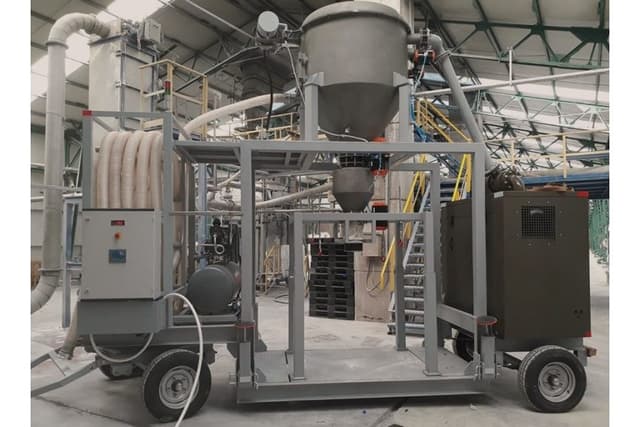
Big-Bag Filling Systems
Inspect Category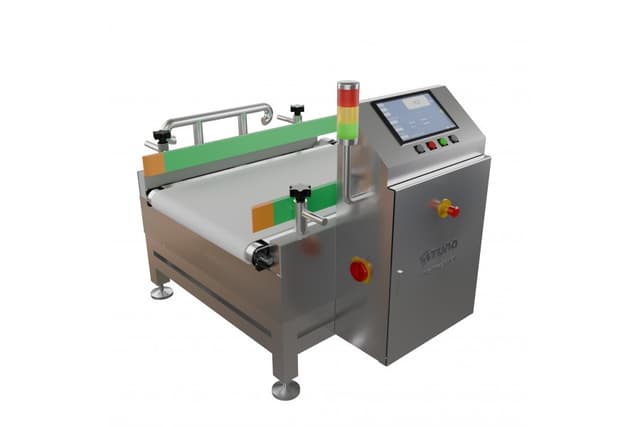
Checkweigher - Conveyor Checkweighers
Inspect Category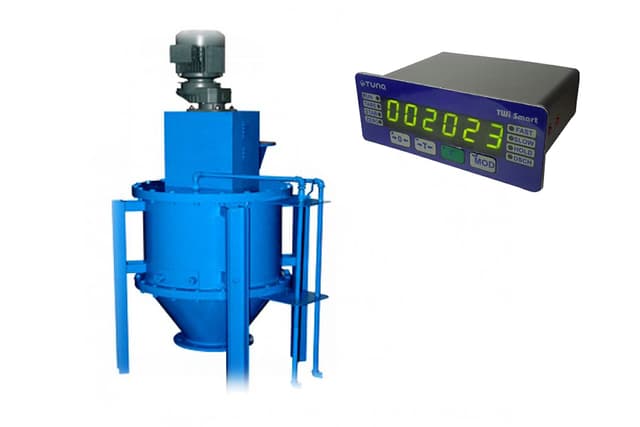
Coriolis Scales
Inspect Category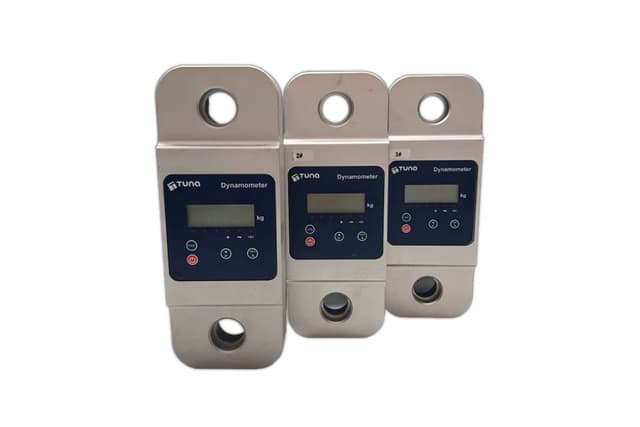
Dynamometer
Inspect Category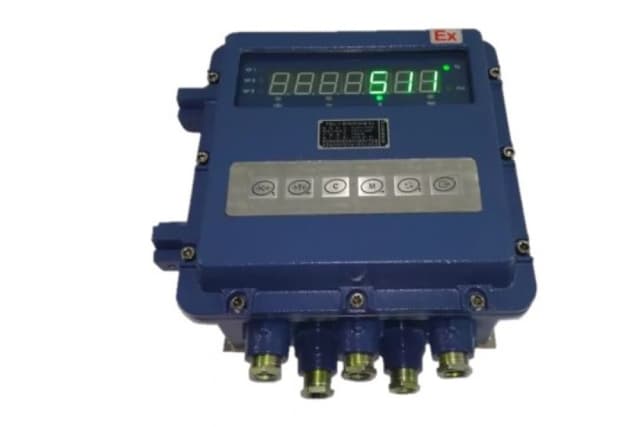
Explosion-Proof Devices
Inspect Category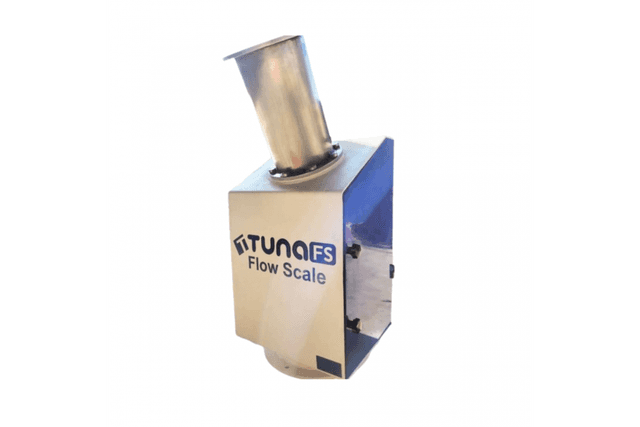
Impact Flow Meters
Inspect Category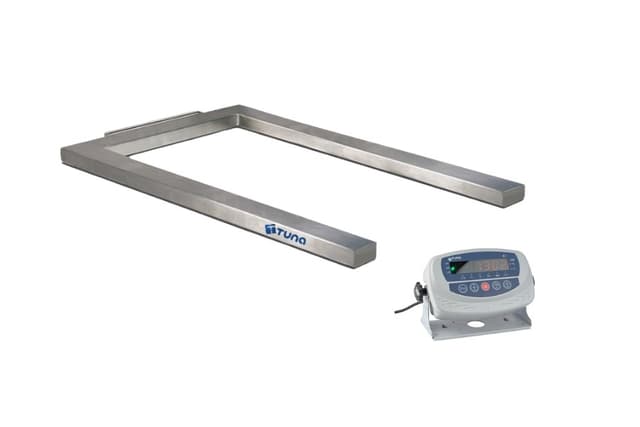
Industrial Platform Scales
Inspect Category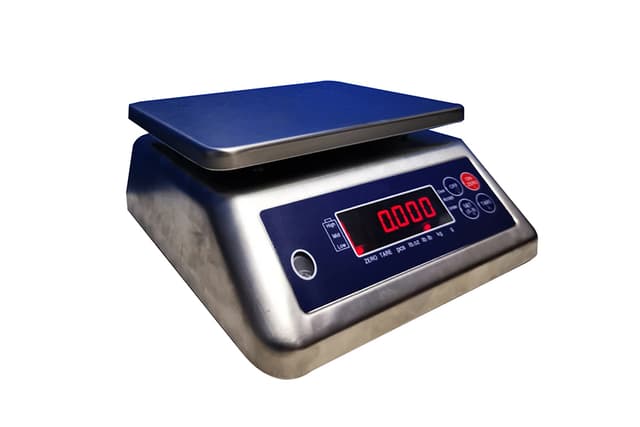
Laboratory Balances
Inspect Category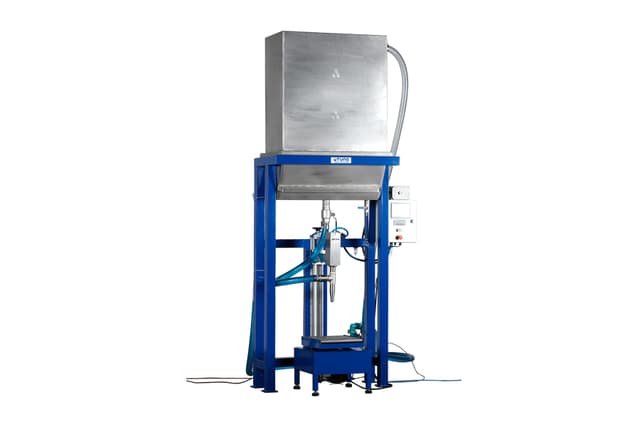
Liquid Filling Machines
Inspect Category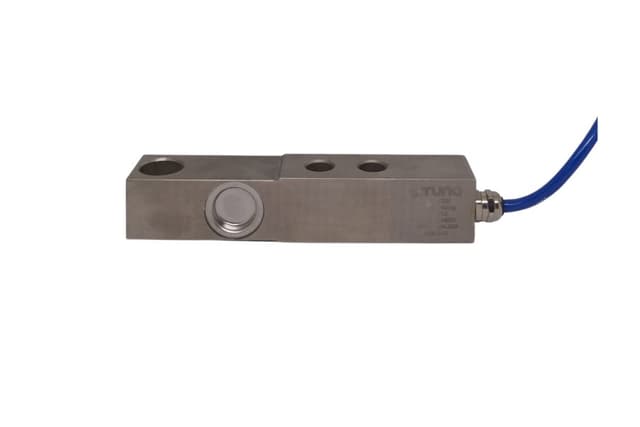
Load Cells
Inspect Category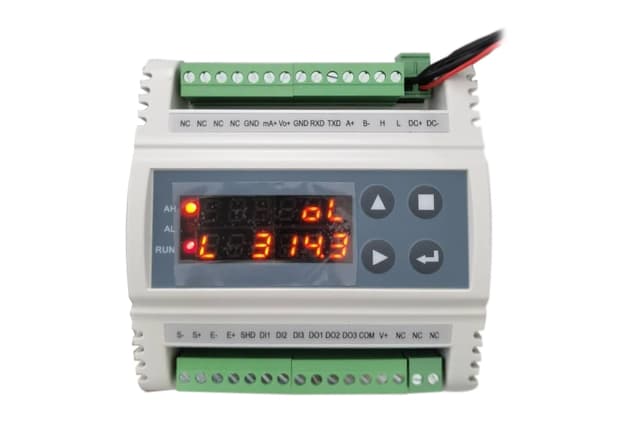
Load Cell Transmitter
Inspect Category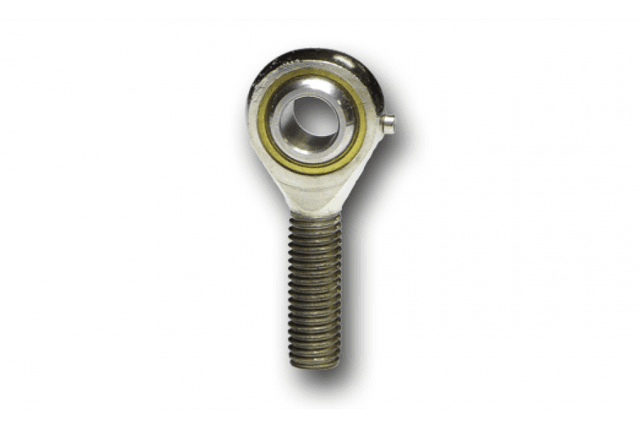
Mounting Kits
Inspect Category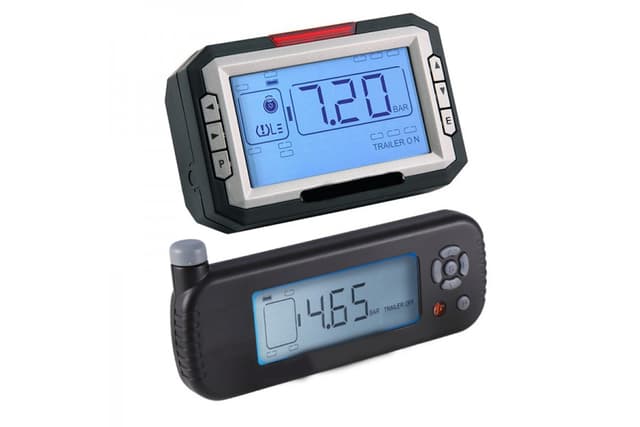
On-Board Weighing
Inspect Category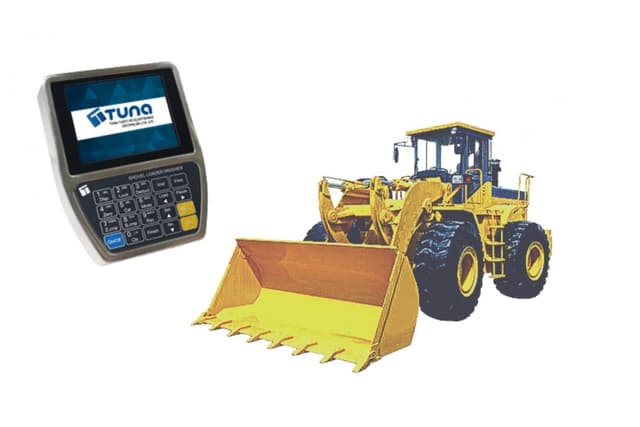
On-Board Weighing Systems for Construction Machinery
Inspect Category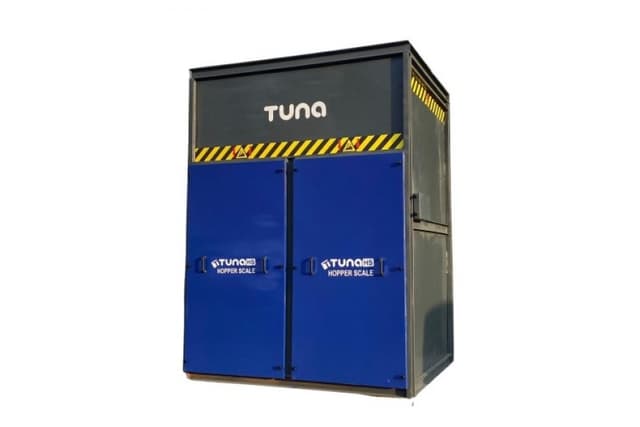
Silo and Flow Scales
Inspect Category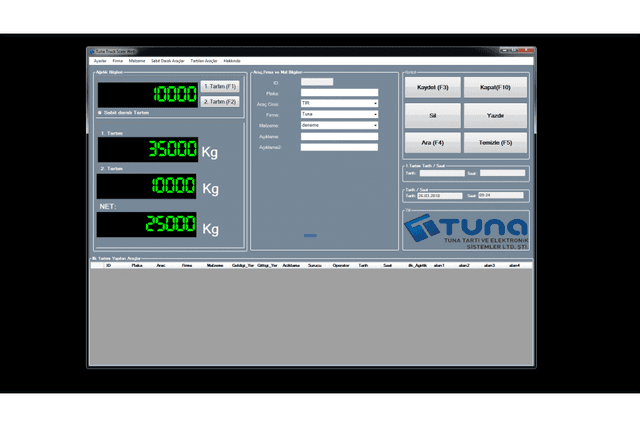
Software
Inspect Category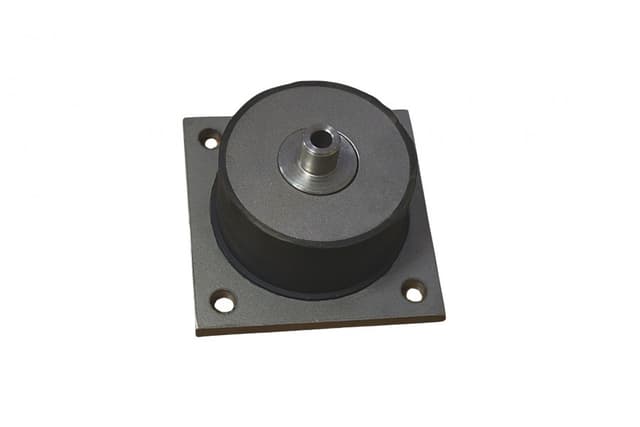
Tank Weighing
Inspect Category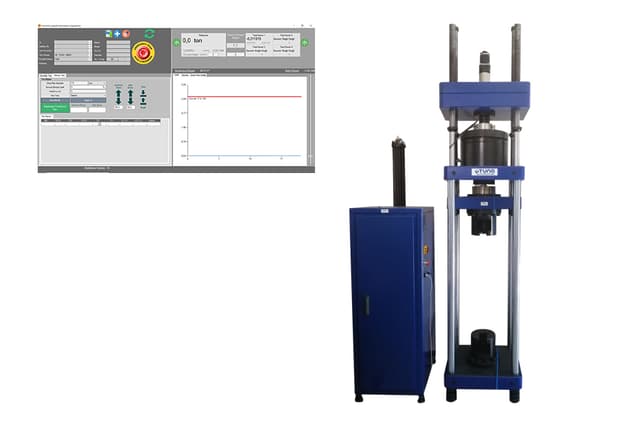
Test and Calibration Machines
Inspect Category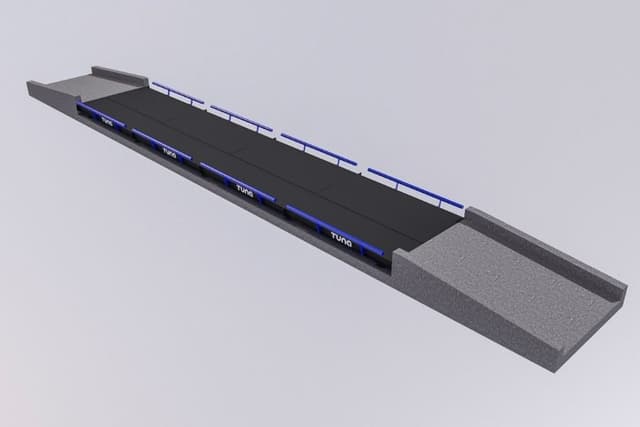
Truck Scale - Weighbridge
Inspect Category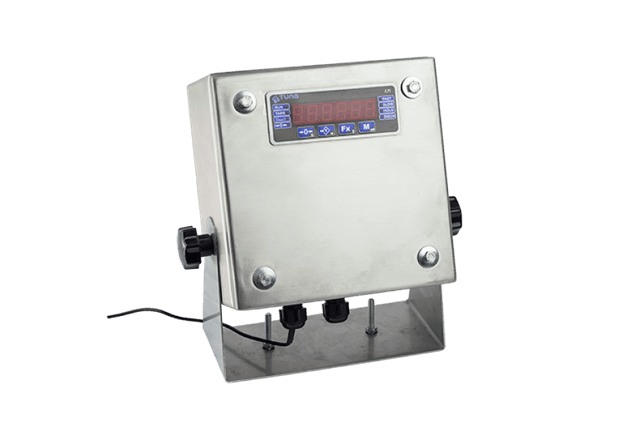
Weighing Indicators
Inspect Category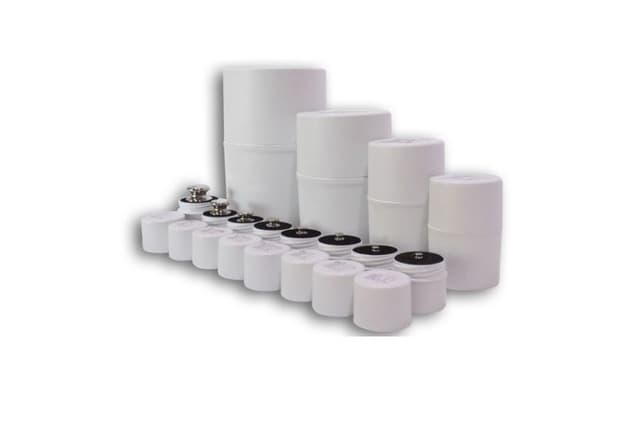
Weights
Inspect Category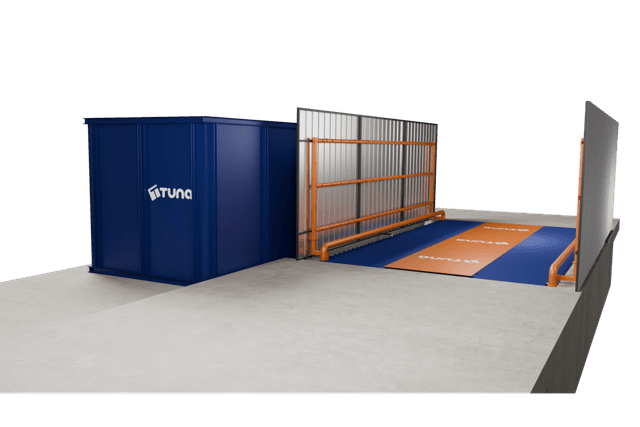
Wheel Washing Systems
Inspect CategoryLoad Cell Capacity Calculator
Silo, tank, platform, suspended hopper or weighbridge: select your application and see the suitable Tuna model.
Used with a load cell mounting kit in silos and tanks. In 3-legged silos, the load is distributed evenly; choose 1.75x for outdoor wind and seismic allowance.
Engineering Calculation Result
4x Load Cell Group- DSB 10.000 - 40.000kg Load Cell10 t – 40 t · Compression Type Load Cell
- DSBB 10.000 - 40.000kg Load Cell10 t – 40 t · Compression Type Load Cell
- TCT 10,000 - 50,000 kg Load Cell10 t – 50 t · Compression Type Load Cell
- CTBV 2-100 Ton Load Cell2 t – 100 t · Compression Type Load Cell
Accessories: Mounting Kits, Load Cell Transmitter, Weighing Indicators
Site Planner: Draw Your Facility, Get a Quote
Place the equipment, connect the material flow by dragging from the orange output point and dropping to the target; write down the dimensions, material, and weighing points. Let our engineers prepare a quotation according to your plan.
Selecting the equipment opens the properties panel. Connect the flow by dragging from the orange output point and dropping it onto the target equipment; use the "Connect flow" button on the touch screen.
Project
Operating environment
Electrical and communication
CommunicationIntegrationWeighing requirements
ReportingWeighing points and recommended solutions
No weighing point yet. Select the equipment and check the "I want weighing on this equipment" box.
The plan is saved along with your quote request; our engineers will see your drawing exactly as is.